Connect your assistant to your site and ask: it writes and publishes posts, organises media and menus, moderates comments and checks the site's health. It works as you, within the permissions you approve, and its changes are recorded in the audit log under the app's name. FerriteCMS is a WordPress-style CMS in one Rust binary, with every plugin in a WebAssembly sandbox.
Assistant: Done. “Spring opening hours” is live at /spring-opening-hours/ and sits in the main menu between News and Contact.
Each step ran as you and is in the audit log as mcp.content_create, mcp.content_publish and mcp.menu_set.
Four commands to a running site
$ ferrite init --data mysite --url http://localhost:8080
$ ferrite seed demo --data mysite --profile business
$ ferrite user create --data mysite --login me --email me@example.com
$ ferrite serve --data mysite
Listening on http://127.0.0.1:8080# Then connect an assistant to http://localhost:8080/mcp# and sign in from it.
localhost:8080/admin/
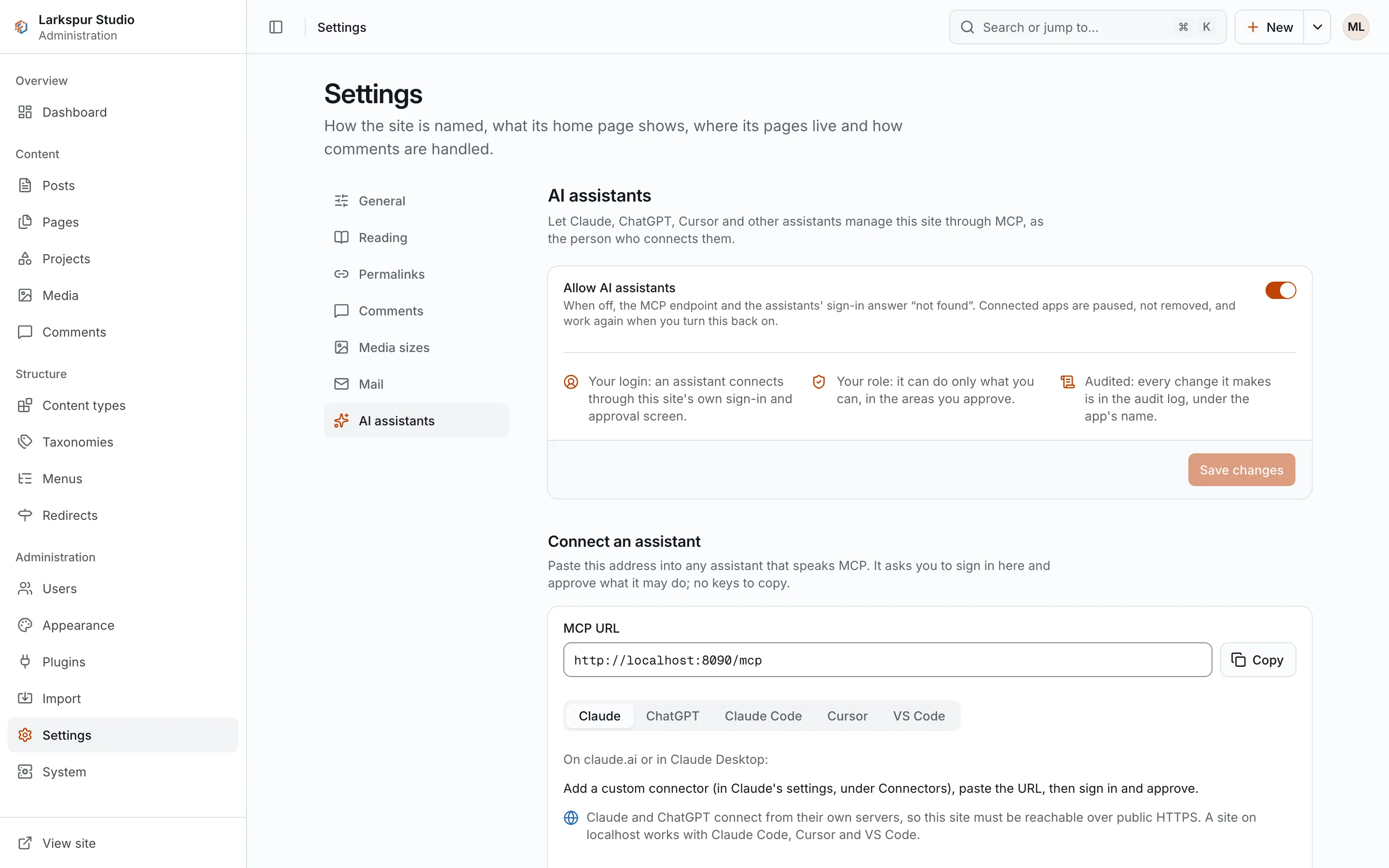
AI assistants, over MCP
Run your site from your AI assistant
Every site serves a Model Context Protocol endpoint. Paste one address into your assistant, sign in to your site, approve what it may do, and ask.
The address to pastehttps://your-site/mcp
Claude
ChatGPT
Claude Code
Cursor
VS Code
any MCP client
Claude and ChatGPT connect from their own servers, so they need your site on public HTTPS. Claude Code, Cursor and VS Code also work with a site on localhost:
$ claude mcp add --transport http ferrite http://localhost:8080/mcp
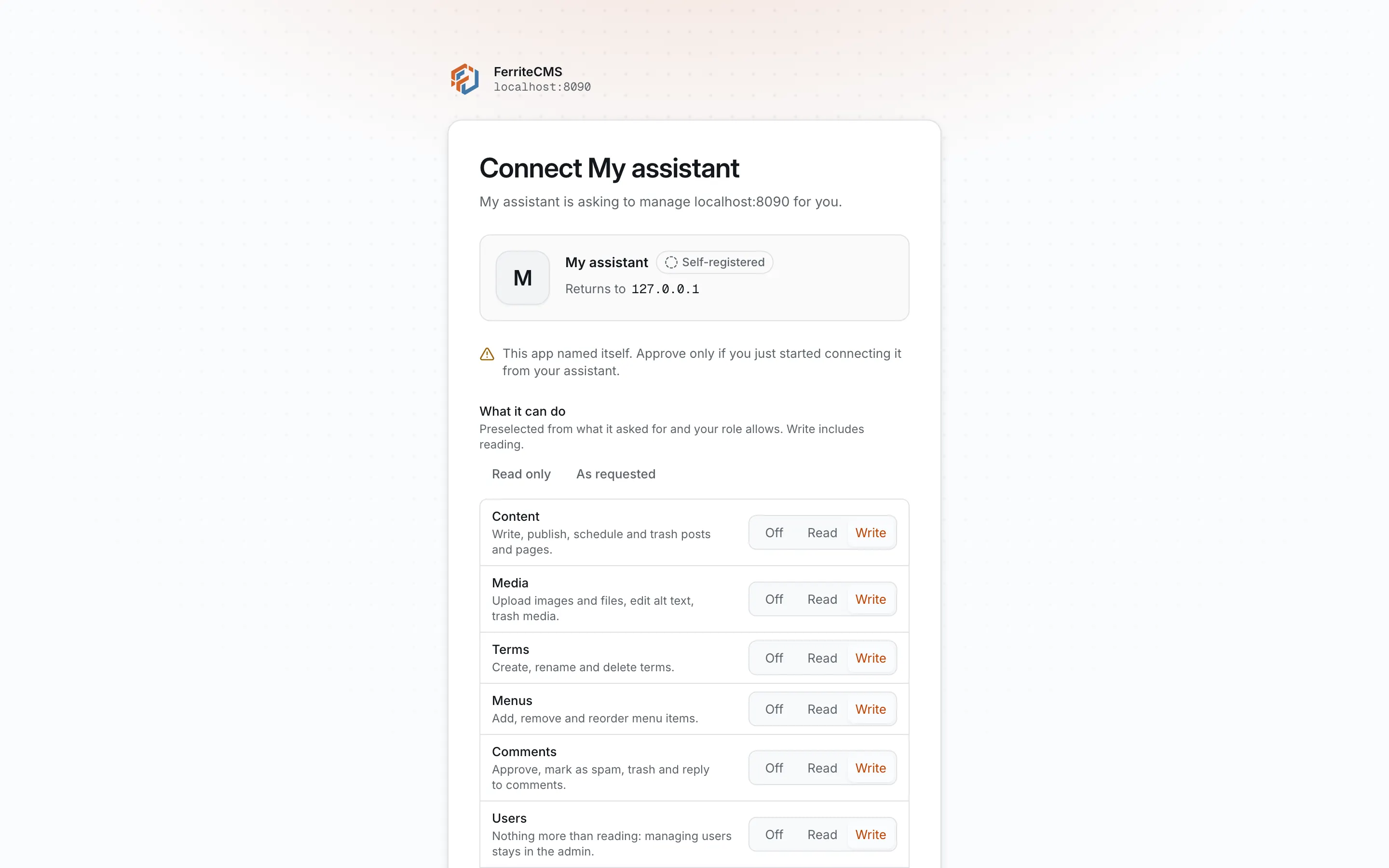
Your login. The assistant signs in through your site's own sign-in and consent screen. No passwords or keys to copy.
Your role. It can do only what you can, in the areas you approve: read only, or write to content but not settings.
Audited. Its changes are recorded in the audit log under the app's name. Disconnect it at any time, or turn assistants off for the whole site.
Familiar to WordPress users. Built like modern infrastructure.
Managed by AI
Connect Claude, ChatGPT, Claude Code, Cursor or VS Code over MCP. 70 tools write, publish and schedule content, upload media and set alt text, edit menus, terms and redirects, moderate comments, change settings and check the site's health, as you and within the permissions you approve. Installing plugins, managing users and backups stay with people.
One binary, one data folder
The web server, REST API, admin, starter themes and plugin runtime are compiled into one program. A site is a folder: SQLite plus its media.
Plugins in a sandbox
Plugins are WebAssembly components with no SQL, file system or network access unless declared. Every call has memory, fuel and time limits.
Themes without code
Templates, a template hierarchy and a fixed set of safe helpers. Blog, docs and business starter themes are built in; this site uses the docs theme.
Moves from WordPress
Import a WXR export with its posts, pages, media, users, terms, comments and menus, plus redirects from the old permalinks.
A keyboard-first admin
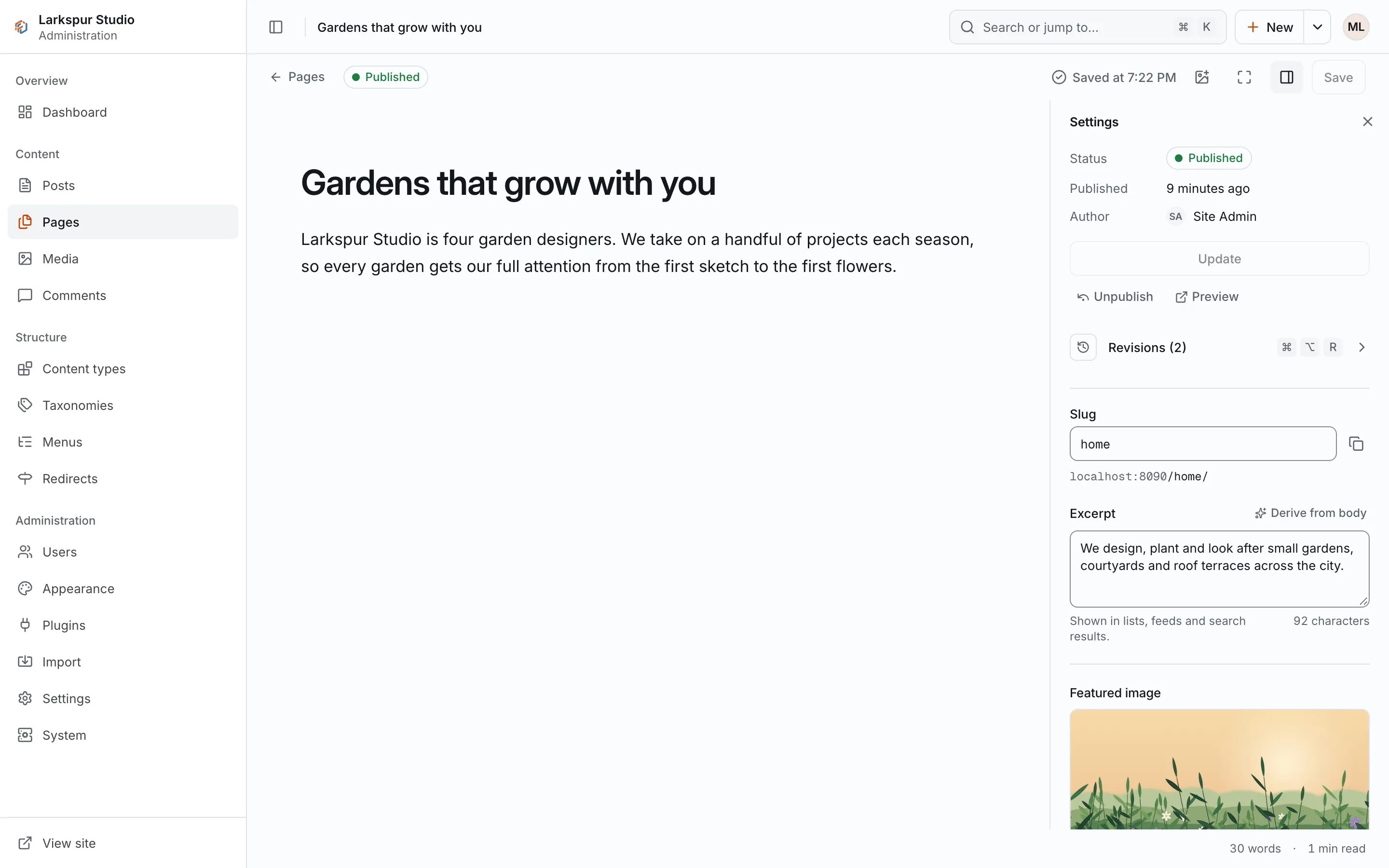
A block editor with autosave, revisions and previews, a ⌘K command palette, a media library, menus, content types and custom fields.
Operations built in
Backups and restore, signed self-update and rollback, HTTPS through ACME, Prometheus metrics and a ferrite doctor check.
A tour
An admin you will enjoy using
Connect an assistant
When an assistant connects, you sign in and choose, area by area, what it may read or change.
Editor
Write in blocks; the side panel holds status, slug, excerpt, featured image, SEO fields and revisions.
Media
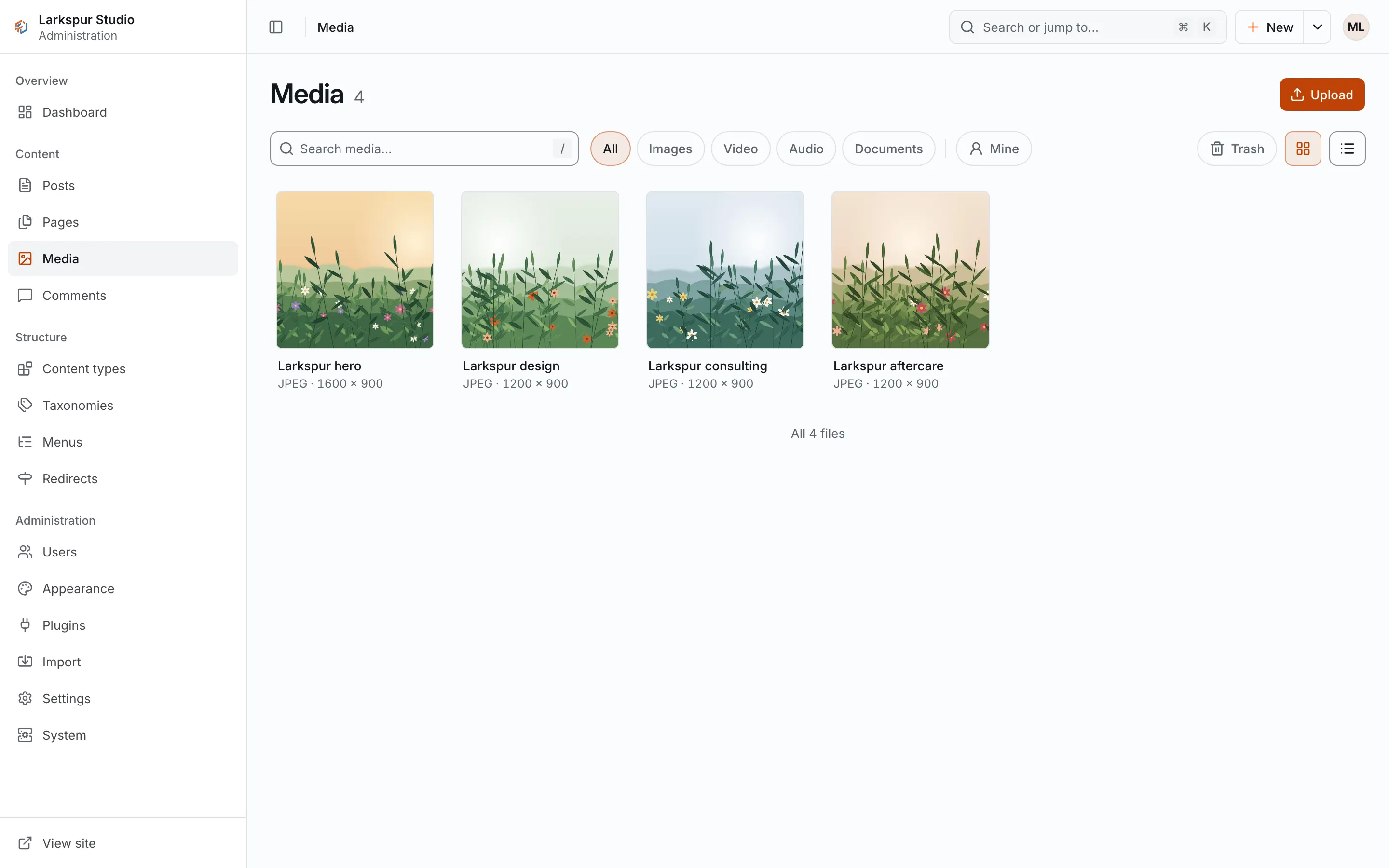
Drop files anywhere to upload. Resized copies are made in the background and served with a srcset.
Command palette
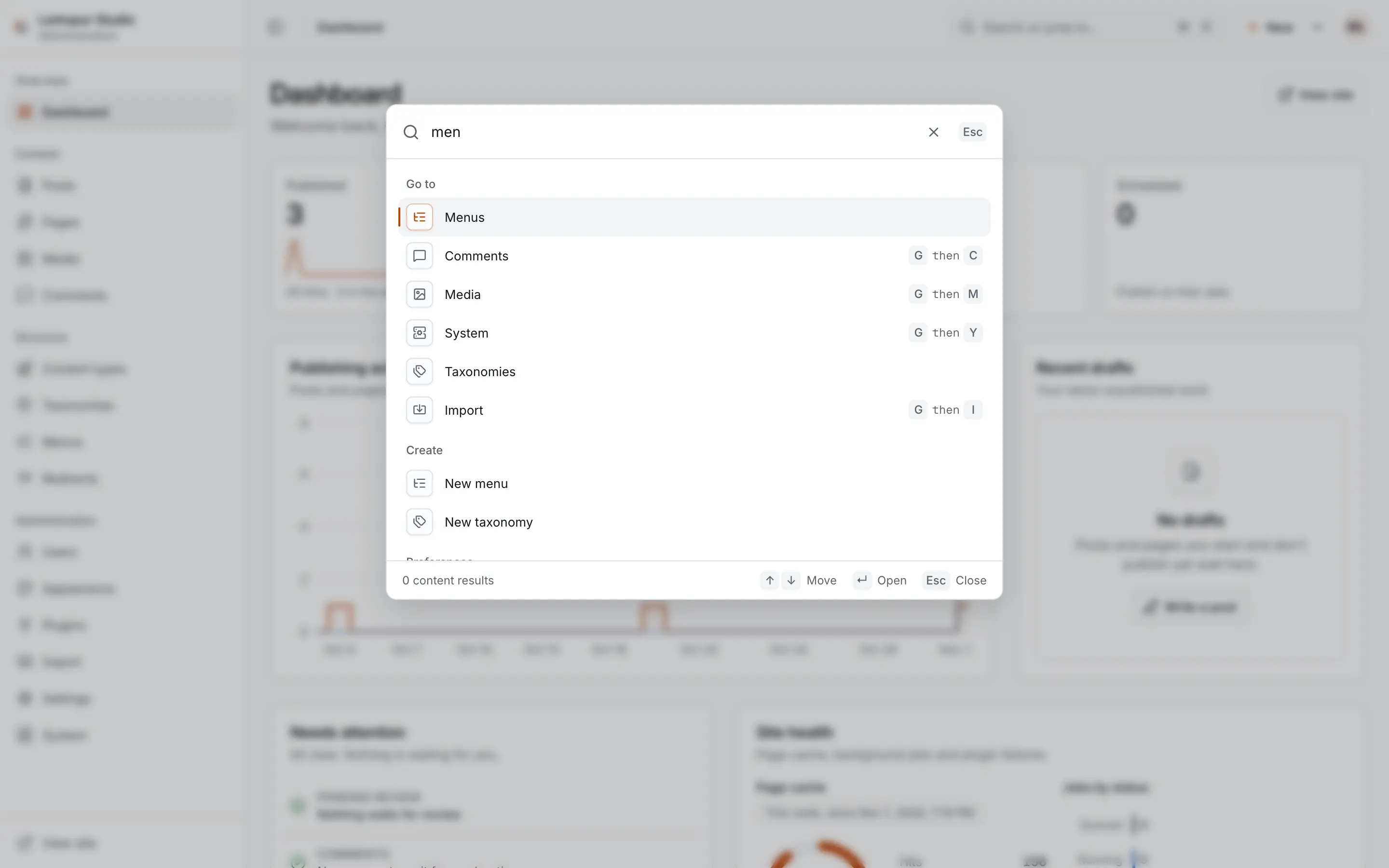
Press ⌘K to jump to any screen, run an action or find content; G then a letter goes straight to a screen.
Plugins
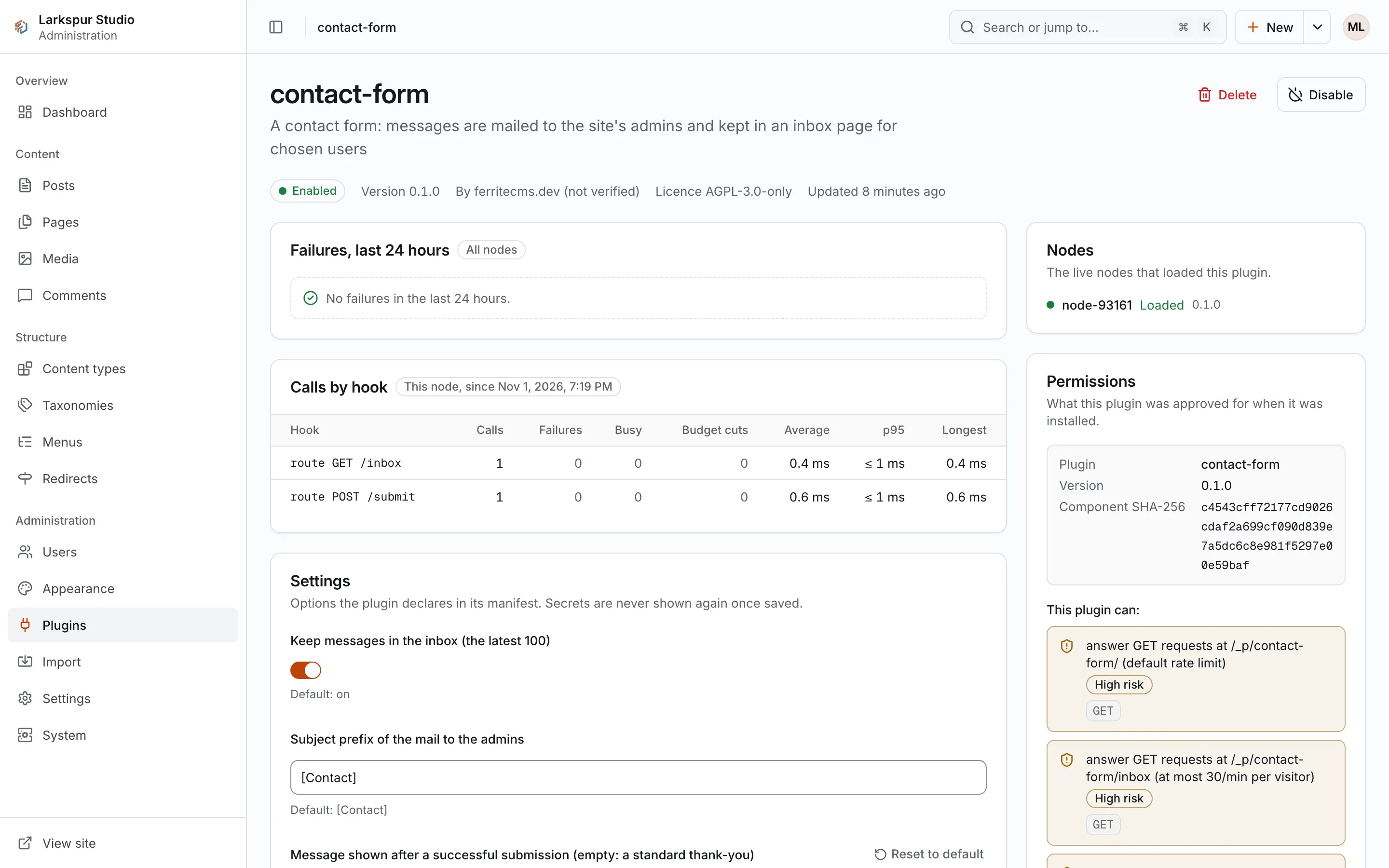
Each plugin shows exactly what it may do before you install it, then its settings and how it is performing.
localhost:8080
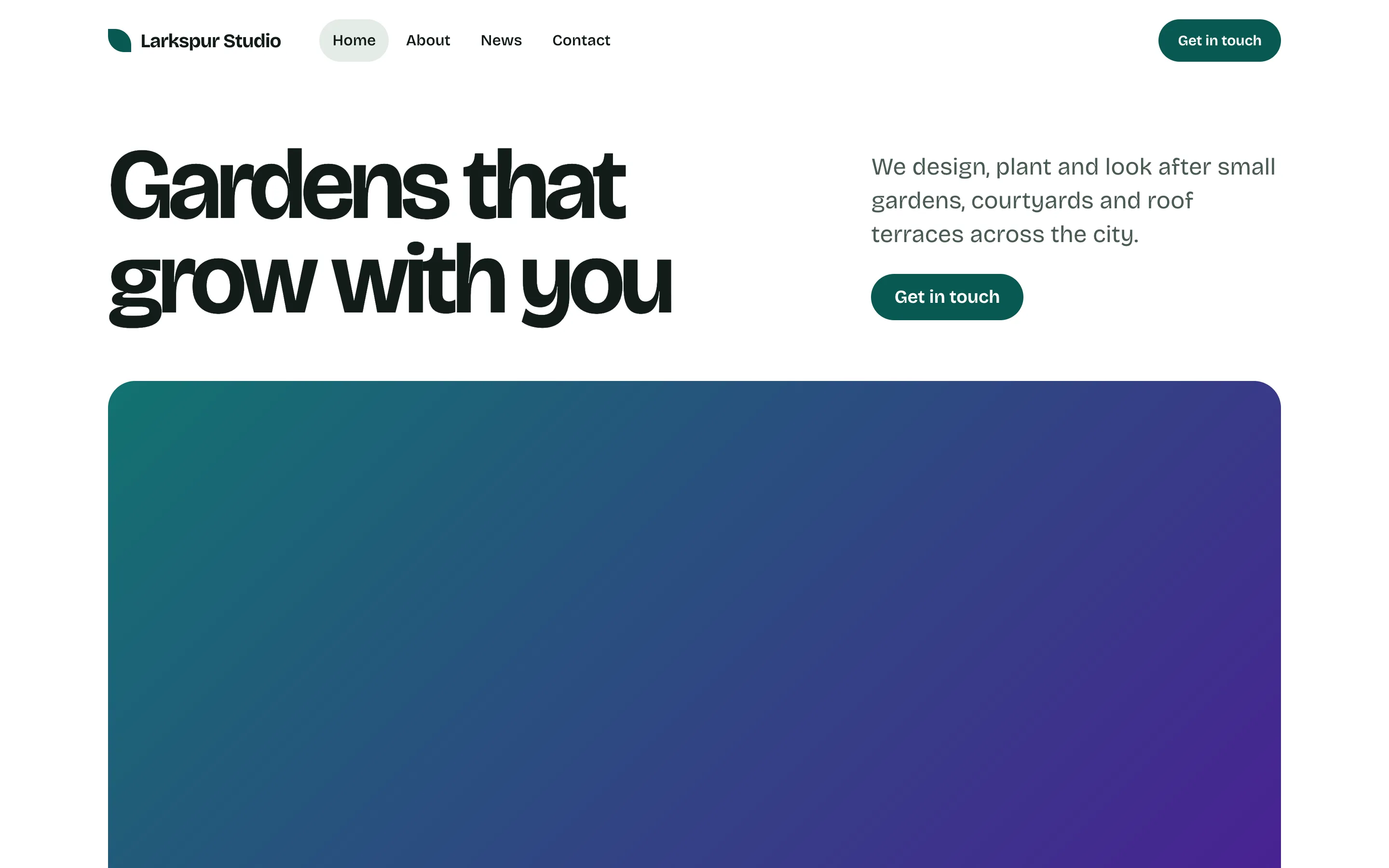
The built-in business theme, filled by ferrite seed demo --profile business.
A WordPress-style CMS as one Rust binary, with every plugin in a WebAssembly sandbox.
FerriteCMS is a content management system in the style of WordPress, shipped as a single Rust binary. The web server, the REST API, the admin interface, the built-in themes and the plugin runtime are compiled into it. Every plugin runs in a WebAssembly sandbox and can only use what its manifest declares.
Run it from your AI assistant. Every site serves a Model Context Protocol (MCP) endpoint at its address plus /mcp. Paste that address into Claude, ChatGPT, Claude Code, Cursor or VS Code, sign in to your site once and approve what the assistant may do; then ask it to write and publish posts, organise media, edit menus, fix redirects, moderate comments or check the site's health. It acts as you: with your role, within the areas you approved, and its changes are recorded in the audit log under the app's name. See AI assistants (MCP).
FerriteCMS imports WordPress content (a WXR export file) but does not run WordPress PHP plugins or themes.
Status: early; current release 0.3.1 (signed binaries for Linux and macOS and a Docker image, see Install). Expect changes before 1.0.
Principles
Managed by AI, as you. The MCP endpoint is built in and on by default. An assistant signs in through the site's own consent screen and works through the same permission checks and audit log as the admin; a few actions (installing extensions, managing users and tokens, backups) stay with a person.
One binary, one data folder. A site on the default setup needs no other service: the database is SQLite in the data folder and media files sit next to it. Postgres and S3-compatible storage are optional.
Plugins are untrusted. A plugin gets only the host functions its manifest declares. It has no SQL access, no file system and no network access unless declared. Every call into a plugin has a memory limit, a fuel limit and a deadline, and a failing plugin does not break the page.
Themes don't run code. A theme is templates and assets. Templates get data from core and a fixed set of helpers; anything that needs logic belongs in a plugin.
Familiar to WordPress users. Posts and pages, content types, categories and tags, menus, roles (admin, editor, author, contributor), hooks with priorities and a template hierarchy work the way a WordPress user expects.
Two ways to run a site
Content, the admin, themes and plugins work the same in both. A few operations are for solo or SQLite sites only: built-in HTTPS (ACME) is refused in cluster mode, where TLS ends at the load balancer; ferrite backup refuses a Postgres site, which relies on the database's own backups and ferrite export; and ferrite rollback --restore-snapshot needs SQLite.
Solo (default)
Cluster
Database
SQLite in <data>/ferrite.db
PostgreSQL
Media
the folder <data>/media/
an S3-compatible bucket
Nodes
exactly one
one or more, behind a load balancer
Coordination
inside the process
through Postgres
Solo is what ferrite init sets up when you give it nothing else. A cluster needs a Postgres database, shared media storage and the same site key on every node.
Where to start
Getting started: install the binary, create a site, learn the main ideas.